For homeowners and renters
Live demo Drag pieces into a room and fix what doesn't fit. Animated demo. 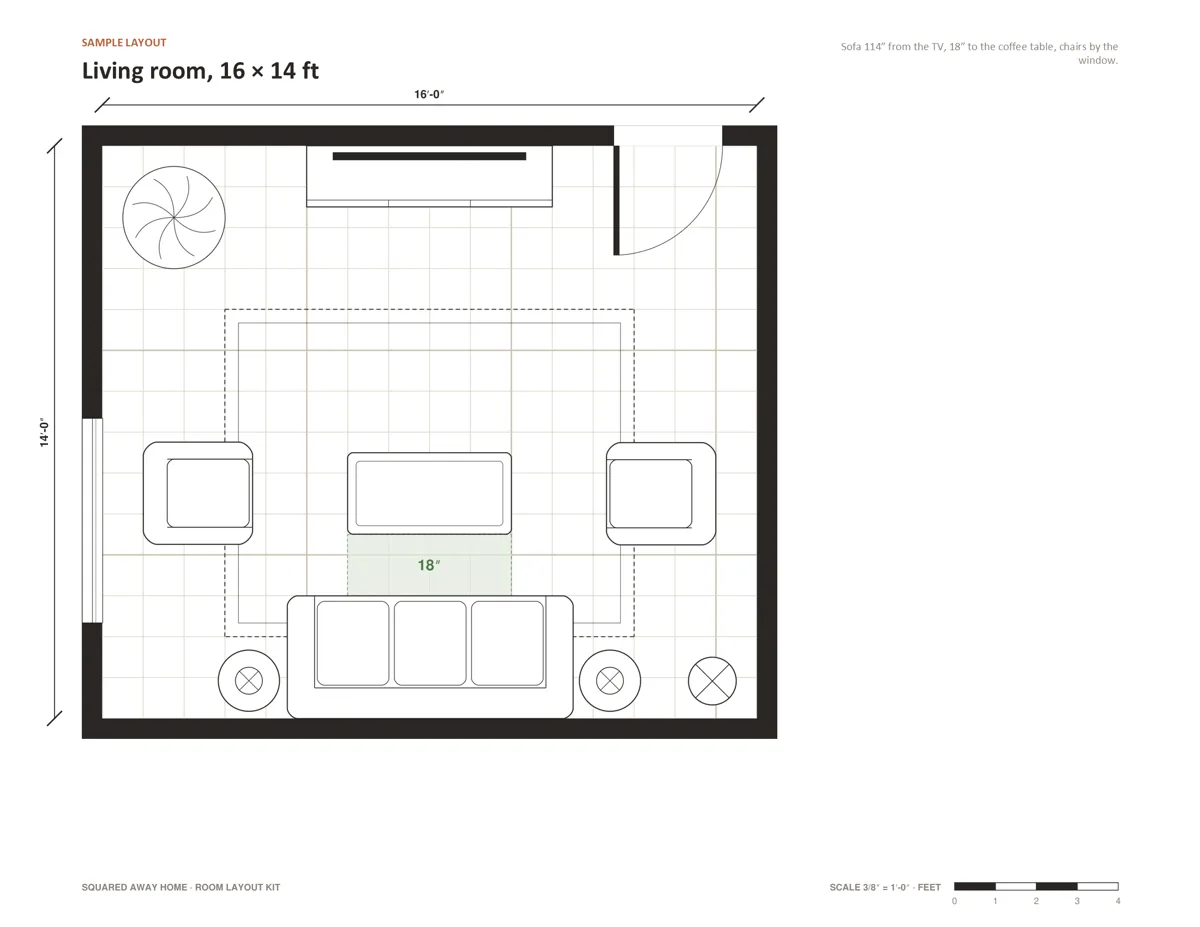
Sample living room A 16 × 14 ft layout built from pieces in the kit. 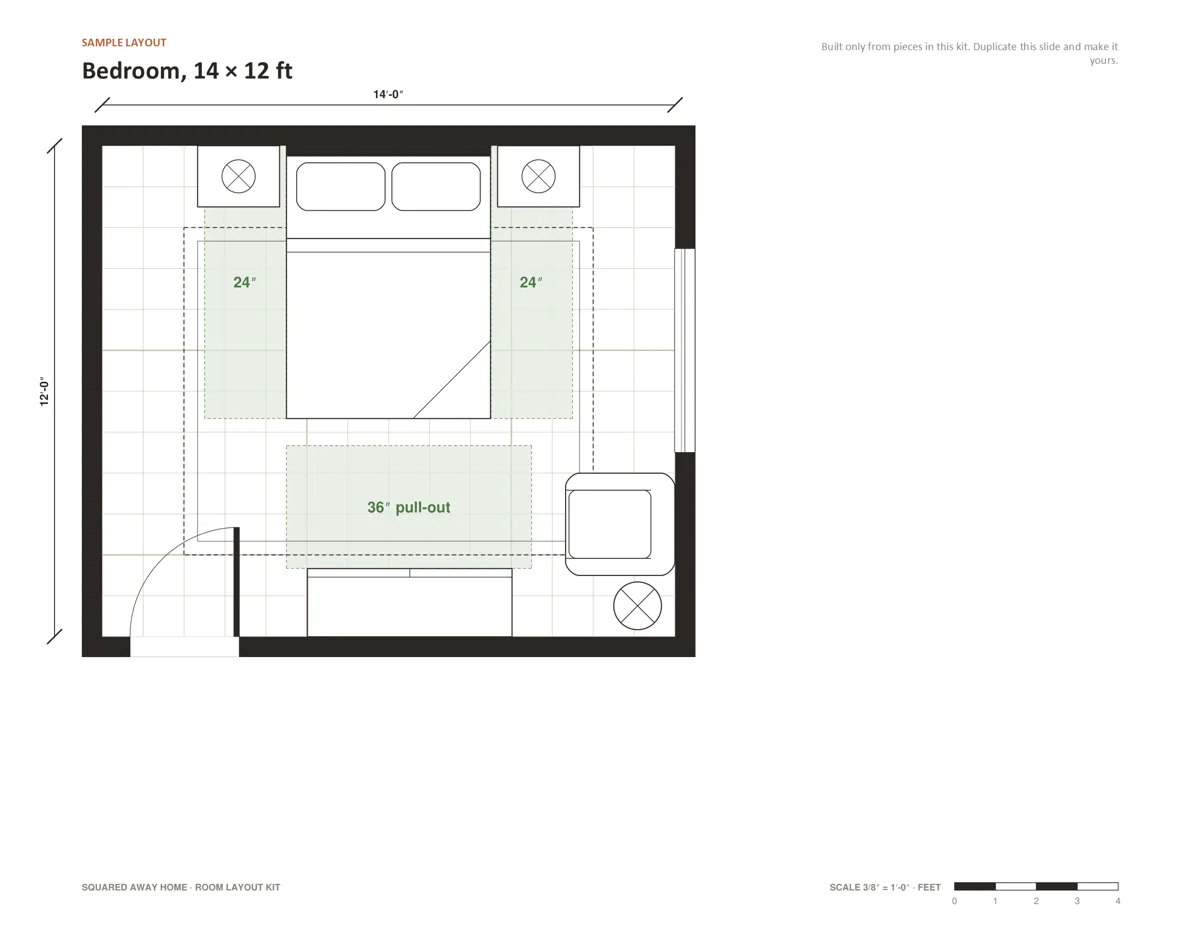
Sample bedroom A 14 × 12 ft bedroom with its clearances. 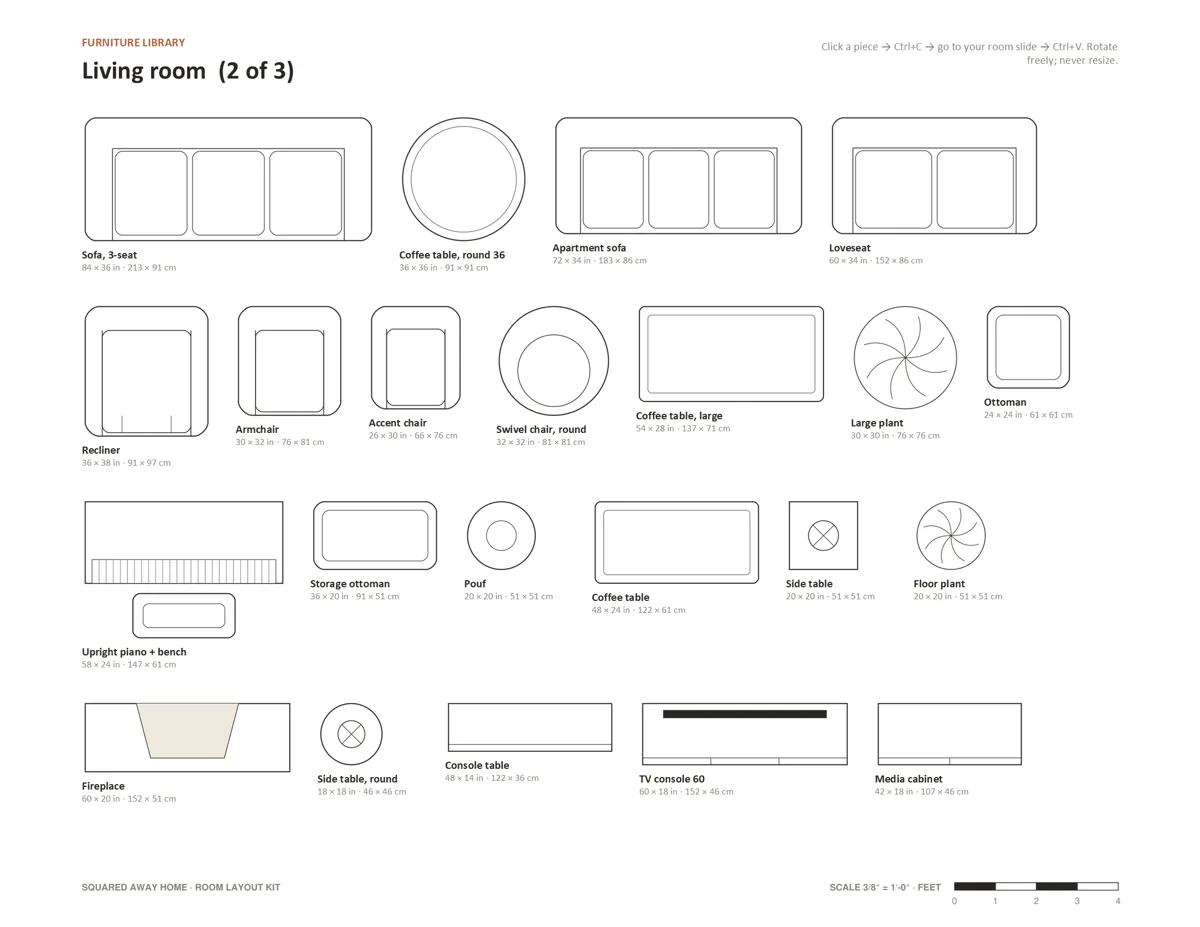
Furniture library Real-size pieces, labelled in inches and cm. Copy and paste them into your room. 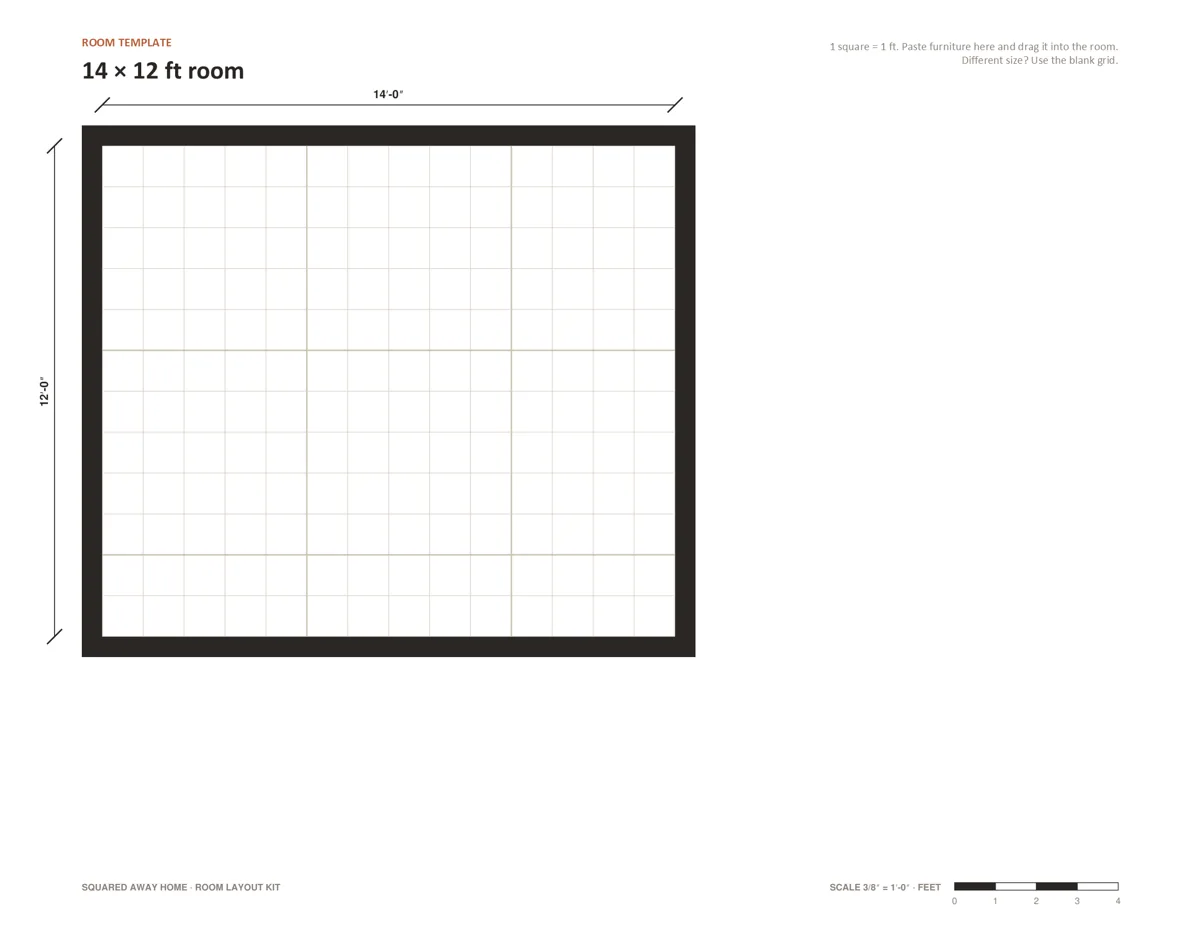
Room template 10 templates and a blank grid, with locked walls. 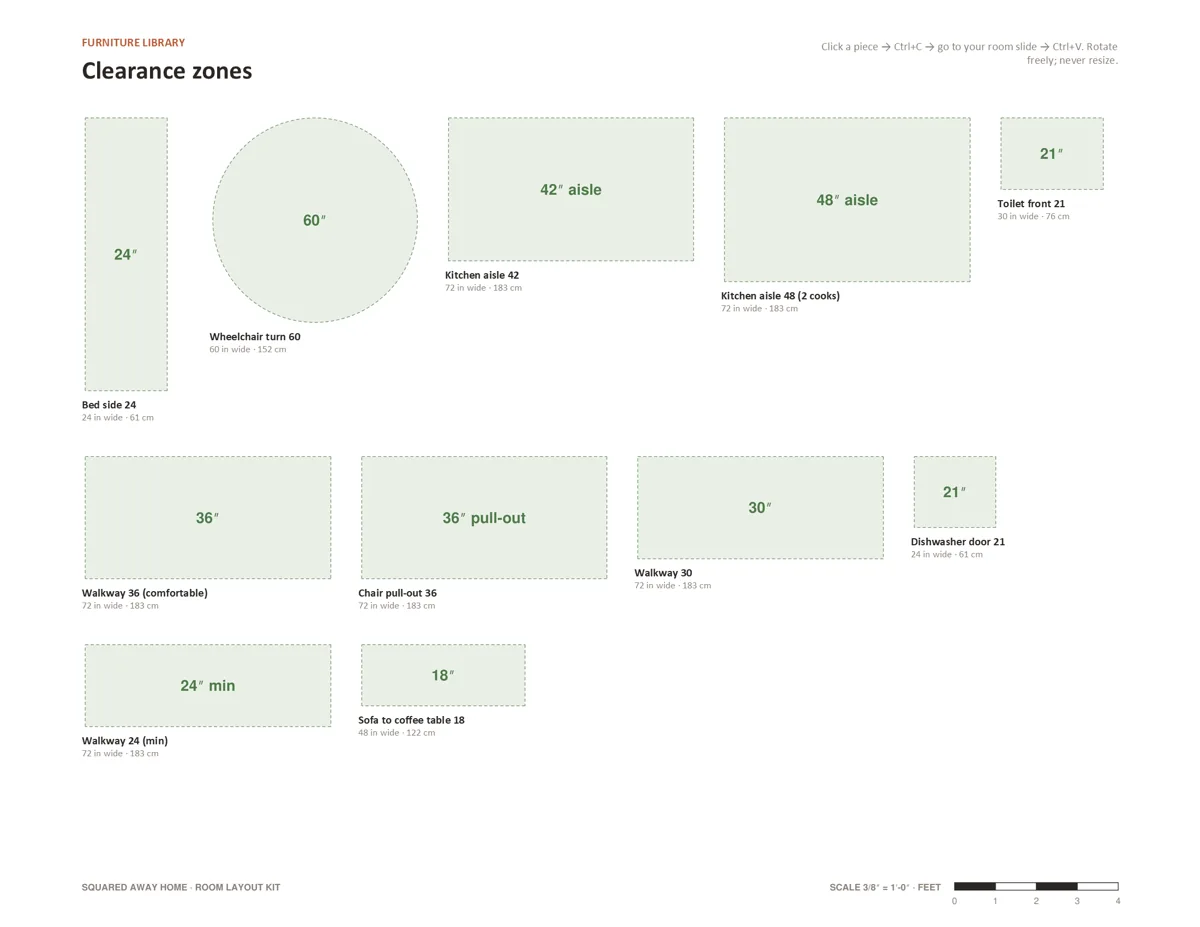
Clearance zones Green zones show walkways and when things are too tight. 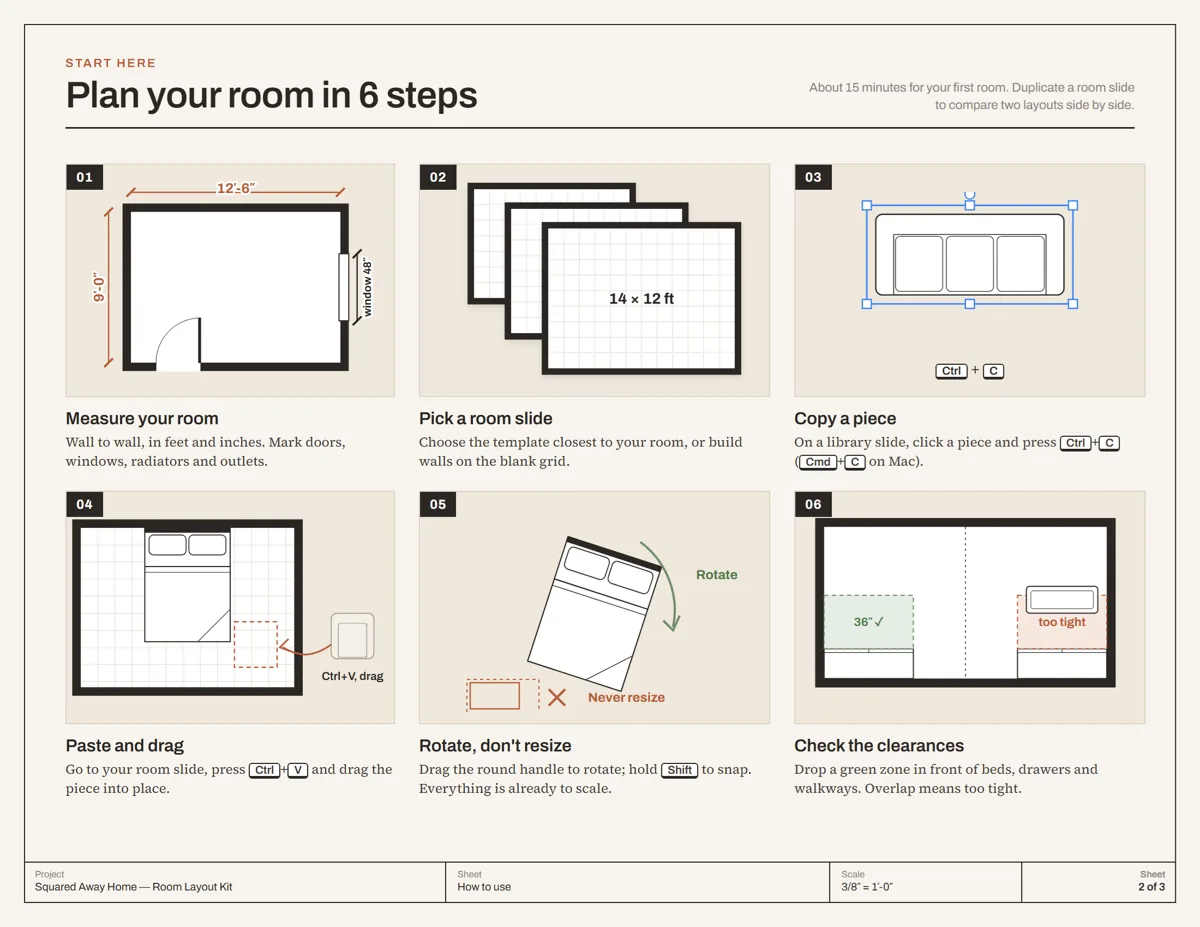
How it works Six steps, about 15 minutes for your first room. 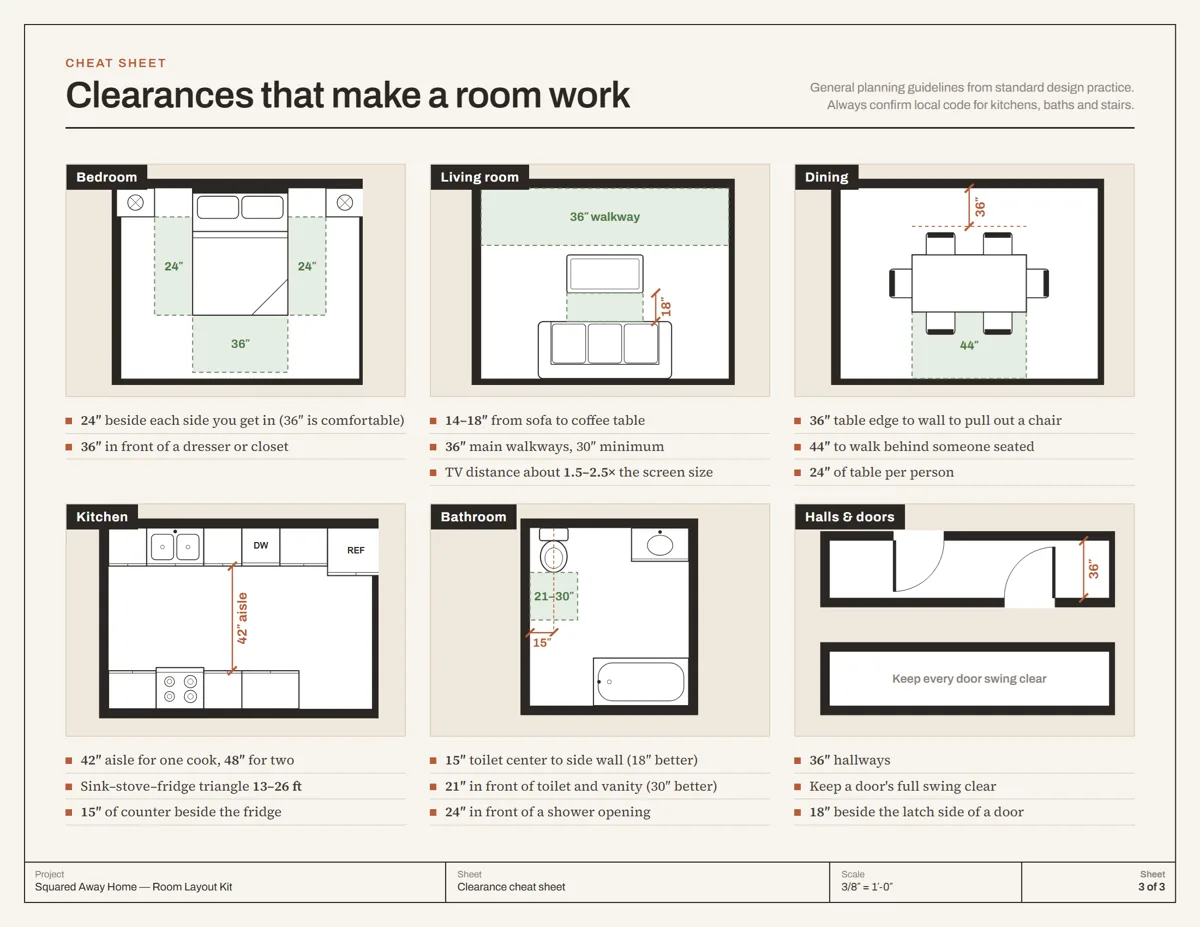
Cheat sheet The clearances that make each room work. 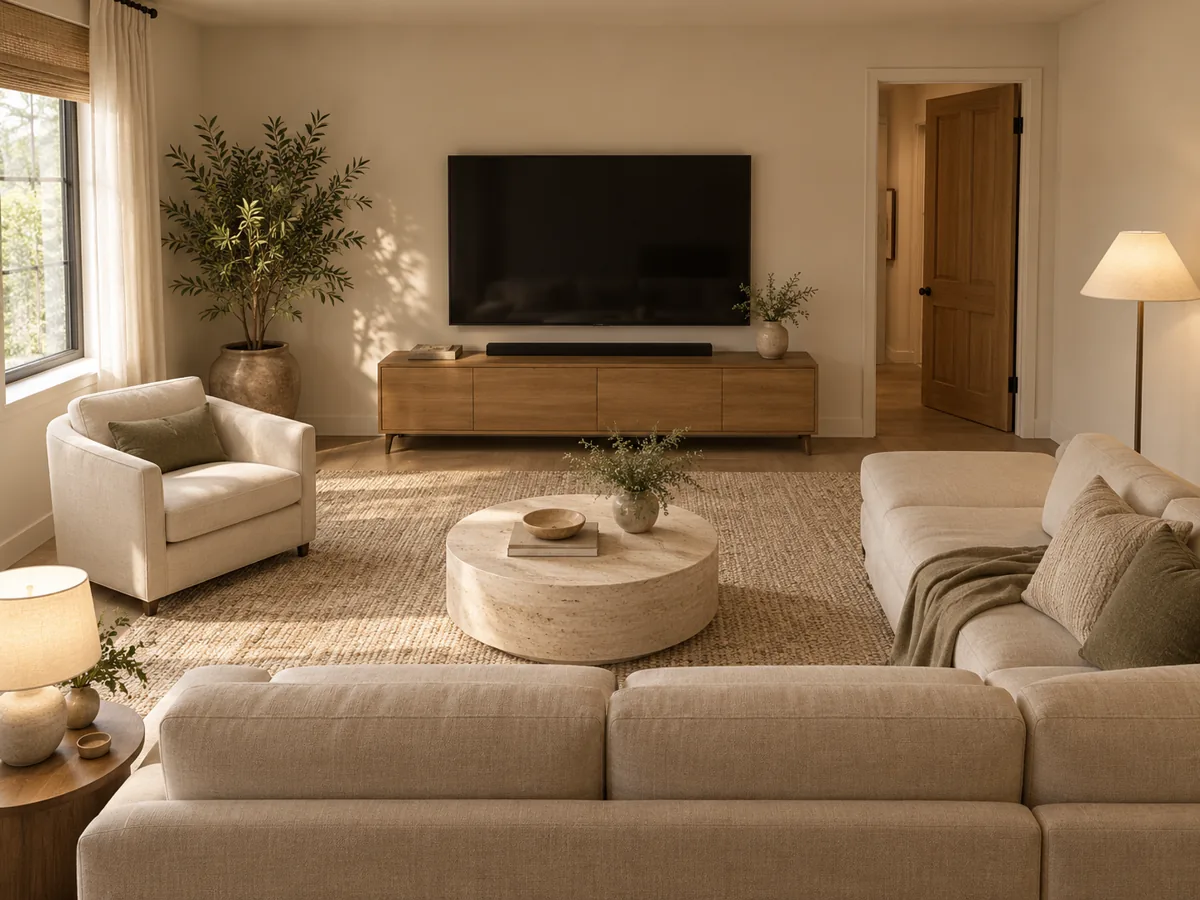
In your home A visualization of the kind of room you can plan.
Know it fits before the truck shows up.
Drag real-size furniture into your own room and see what works. No CAD skills needed.
Library
Rug 8 × 10 ft
TV console 60
Sofa, 3-seat
Coffee table
Armchair
Armchair
1 / 9
What's inside
| Item | Detail |
|---|---|
| Furniture | 177 to-scale pieces, 3/8″ = 1 ft, inches + cm |
| Rooms | 10 templates from 10 × 10 to 24 × 16 ft, plus a blank grid |
| Help | Green clearance zones, cheat sheet, how-to and 2 sample layouts |
| Bonus | PDF of 15 layout ideas |
| Works in | Google Slides, Canva, PowerPoint |
Questions
Do I need design software?
No. It works in Google Slides, Canva or PowerPoint.
How long does the first room take?
About 15 minutes once you have your measurements.
Can I try it first?
Yes. The free Will It Fit? Mini Kit includes one room and 14 pieces.