Guides / CAD craft · Published 2026-10-31
Insertion points: back center for wall pieces, center for tables
A random insertion point costs you one extra move per block.
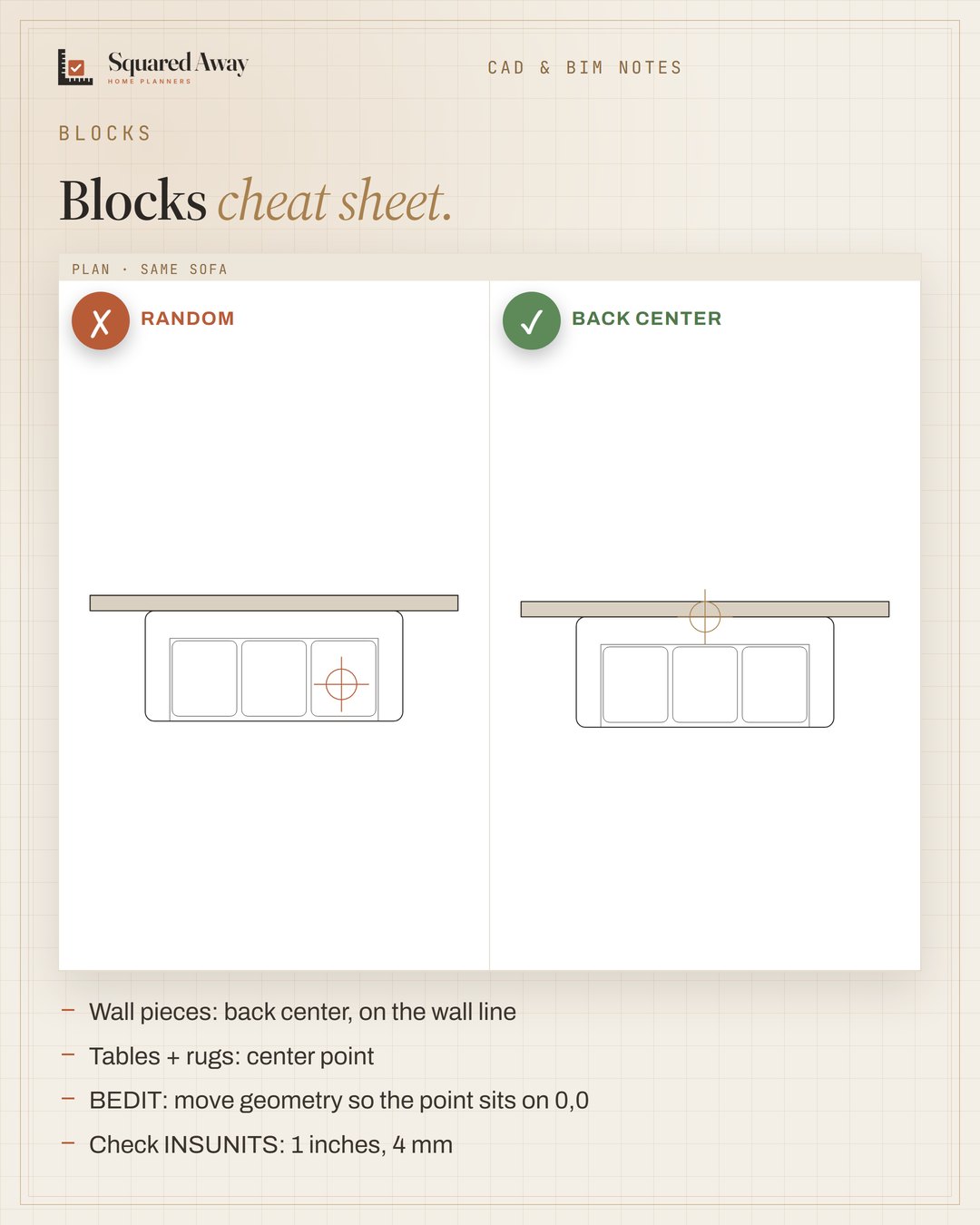
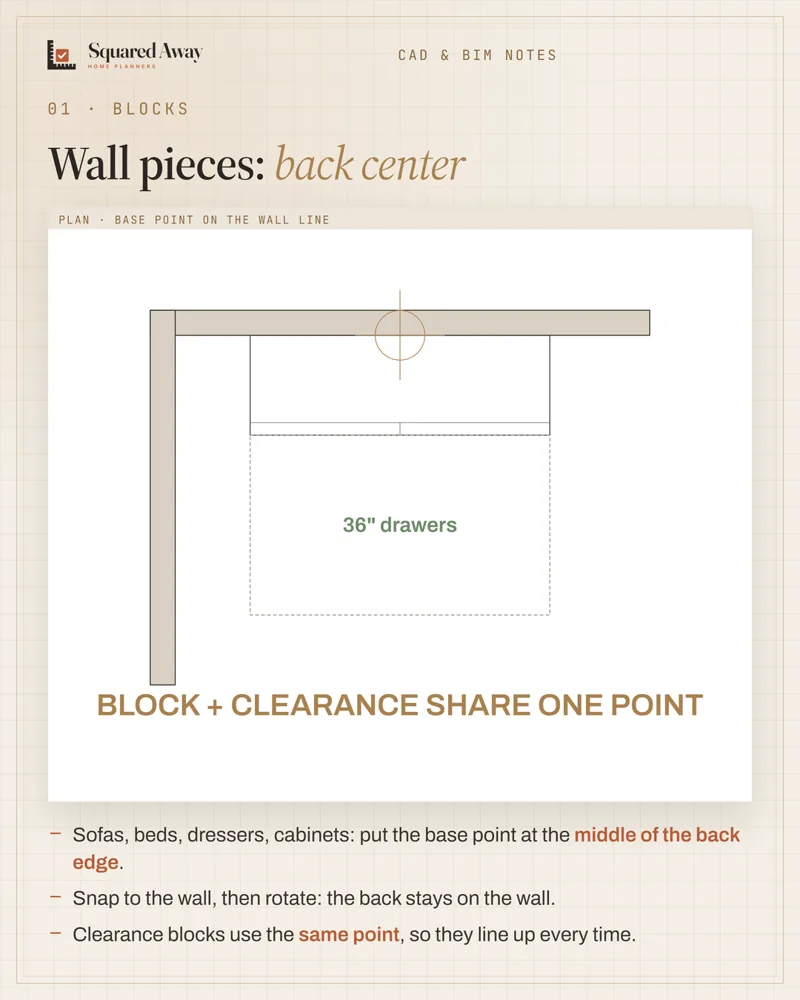
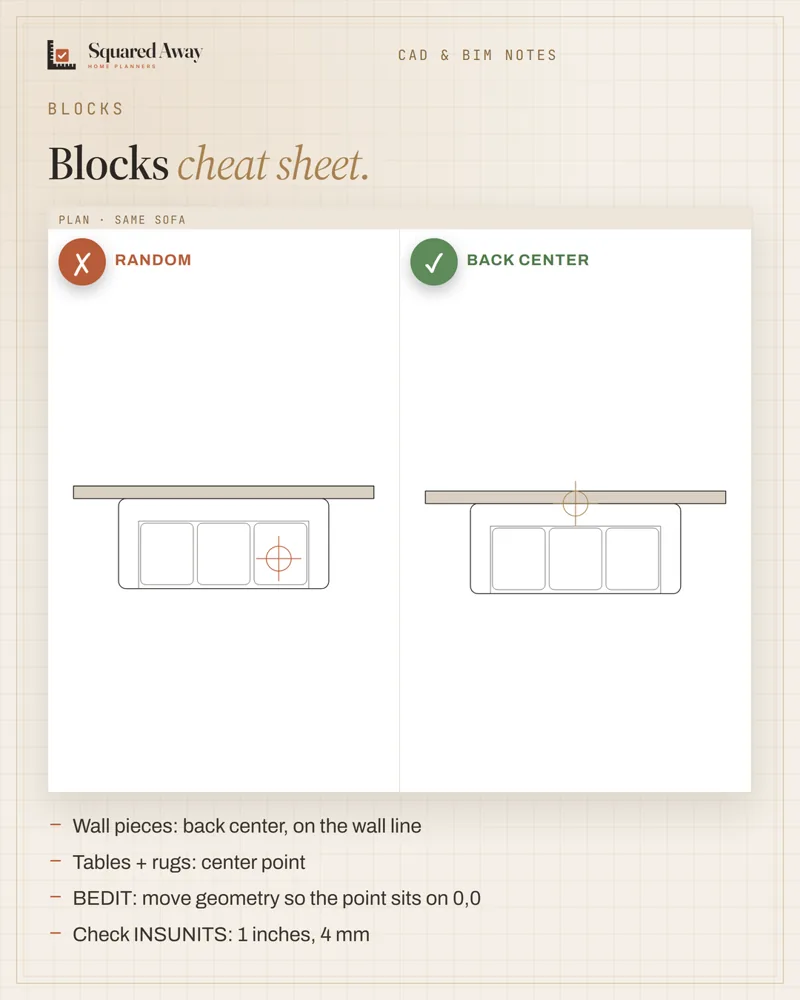
Where the base point sits decides how fast you draft. Wall pieces like sofas, beds, dressers and cabinets: back center, so you snap to the wall and rotate. Tables and rugs: dead center, so they turn in place. To fix a bad one, open BEDIT and move the geometry so the point sits on 0,0, or set it with Pick point when you create the block. And check INSUNITS (1 inches, 4 mm), because an inch block read as millimetres arrives 25.4× too small.
Put this to work.
Start with the free download, or get the full product.
Download freeSee the full productKeep reading
IFC in Revit: link to coordinate, open to take overCAD craft · 2026-11-01Block naming: group, type, size, units, every timeCAD craft · 2026-11-01Imperial vs metric kitchens: 24″ is not 600 mmCAD craft · 2026-10-31Ceiling heights: 7 ft rooms, 6′8″ baths, 5 ft on slopesBathroom · 2026-11-01Seating group: keep seats within 8 ft and float them off the wallLiving room · 2026-11-01Kitchen remodel timeline: plan first, then about 12 weeks on siteRenovation · 2026-11-01